
Free up iPhone storage in minutes
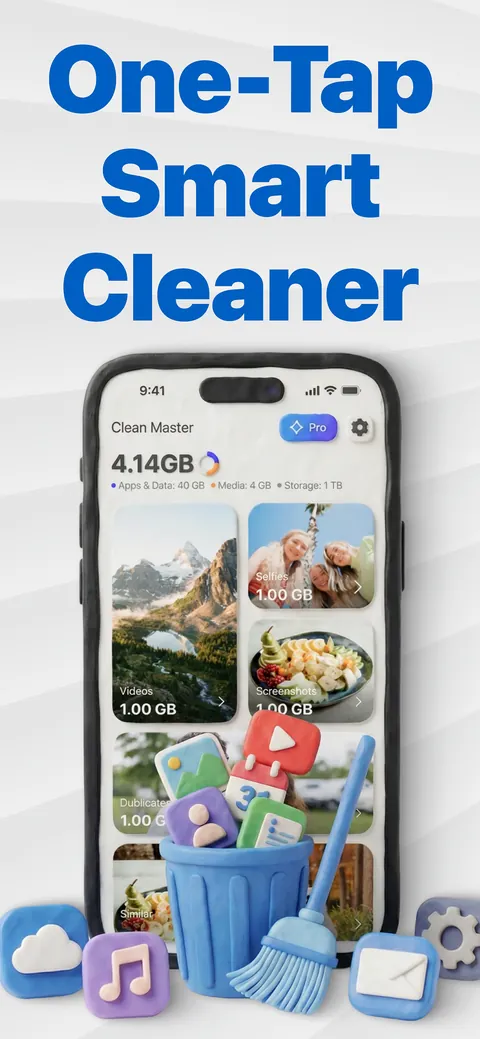
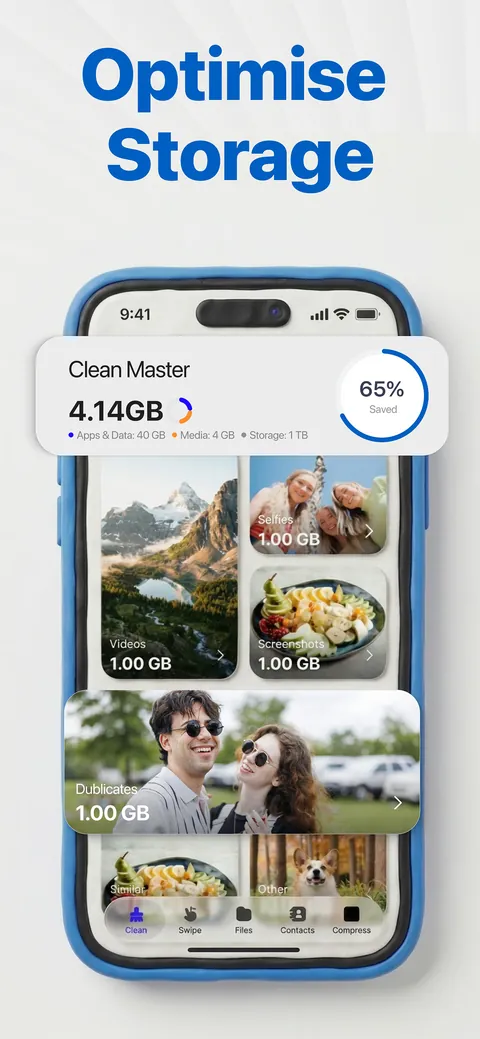
Clean Master finds duplicate and similar photos, large videos, screenshots and messy contacts, and clears them in a few taps.

See it in action
Three steps to a lighter library
Scan
Clean Master looks through your photo library on the device and groups duplicates, similar shots, screenshots and large videos.
Review
Open any group and choose what stays. Nothing is removed until you say so.
Clean
Delete in one tap. iOS asks you to confirm, and removed photos stay in Recently Deleted for 30 days.
More room for what matters
Five tools for the things that fill an iPhone, and widgets to keep an eye on it.
Duplicate & similar photos
Exact copies and near-identical shots taken seconds apart, grouped so you can keep one and clear the rest.
Swipe to clean
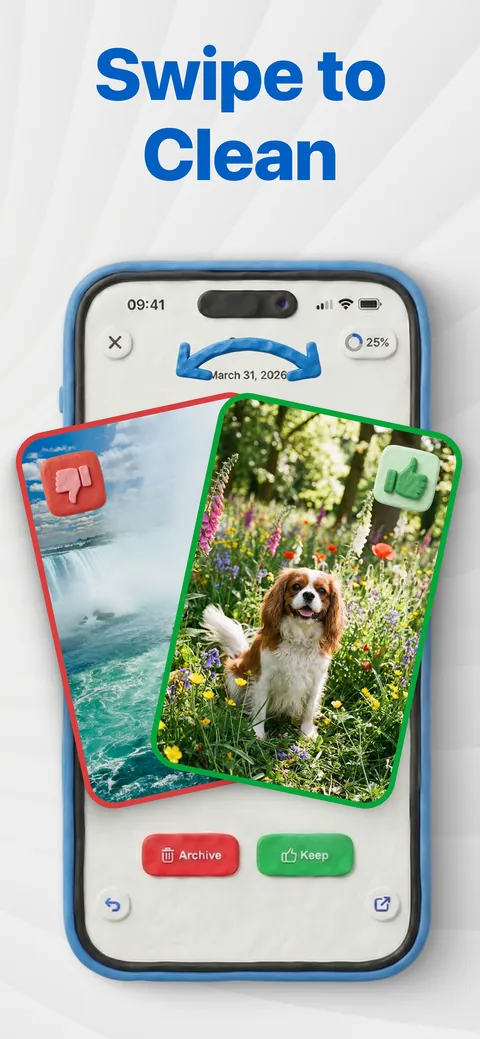
Go through your gallery month by month. Swipe to keep a photo or to put it aside for deletion.
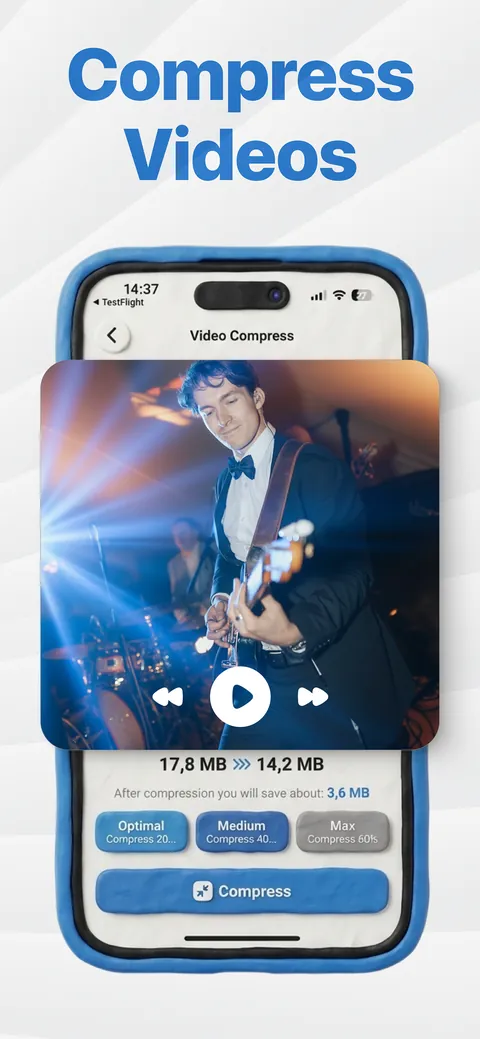
Video compressor
Shrink large videos with one of three quality levels and save the smaller copy to your library.
Contacts cleanup
Merge duplicate contacts, find incomplete ones, and keep a backup you can restore.
Files
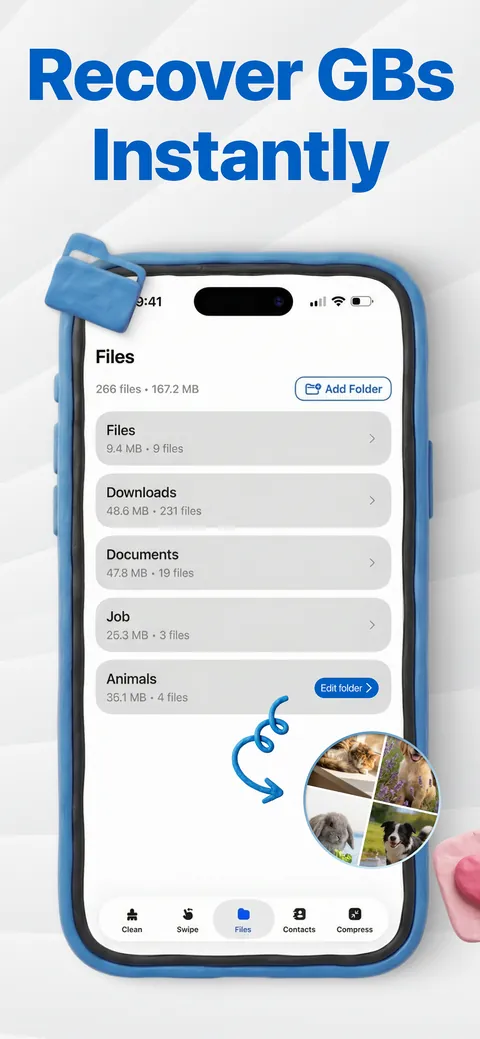
Pick a folder from the Files app, see what takes the most space, and delete what you no longer need.
Widgets
Battery and free storage on your Home Screen, so you see it filling up before iOS warns you.
Your photos never leave your iPhone
Scanning, grouping and video compression happen on the device. Clean Master doesn't need an account and doesn't upload your library.
- Photos, videos and contacts stay on your iPhone
- Nothing is deleted without your confirmation
- Details in our Privacy Policy
What Clean Master does and doesn't do
It does
- Find duplicates, similar shots, screenshots and the largest videos
- Let you review every group before anything is removed
- Scan for free, with your first two cleanups free as well
It doesn't
- Upload your photos or ask you to create an account
- Speed up the processor or "boost" memory: it frees storage
- Lock you in: Pro is a subscription you can cancel any time in Settings
Questions, answered
Is Clean Master safe to use?
Clean Master deletes only what you select. iOS asks you to confirm every deletion, and removed photos and videos stay in the Recently Deleted album for 30 days.
Does it upload my photos?
No. Scanning, grouping and video compression run on your iPhone. Your photos, videos and contacts are not uploaded.
Will it make my iPhone faster?
Clean Master frees storage. When storage is almost full, an iPhone can't take new photos or install updates and may feel slower. Freeing space helps with that, but it doesn't change the processor or memory.
What is free?
Scanning and browsing are free, and so are your first two cleanups. Clean Master Pro is a subscription that removes the limit. The price and any free trial are shown in the app before you subscribe.
How do I cancel Clean Master Pro?
Open the Settings app, tap your name, then Subscriptions, choose Clean Master and tap Cancel Subscription. Cancel at least 24 hours before the renewal date to avoid the next charge. More help on the Support page.
Ready for a lighter iPhone?
Download Clean Master and see what's taking your space.